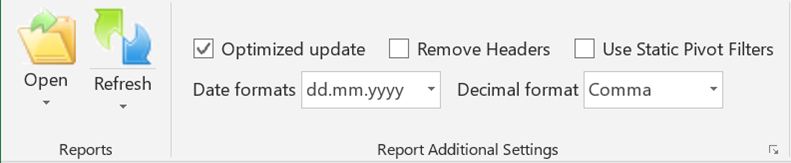
With the TMS Excel Toolbar different file types can be imported:
- text files: *.asc, *.txt
- csv files: *.csv
- xls and xlsx files: *.xls
- xml files
- MT940 files
The details are explained in the following chapters.
Worksheet status indicators
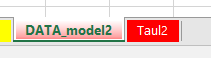
Worksheet name field turns green indicating that the Timestamp in the original file (data that was imported) has changed and new data has been imported.
Sheet contents was changed.
Yellow worksheet name field indicates that data in the original file Timestamp did not change.
Sheet contents was not changed.
Red worksheet name field indicates that there is an error in refresh. In this case the data content in the original file should be checked to clear the error state.