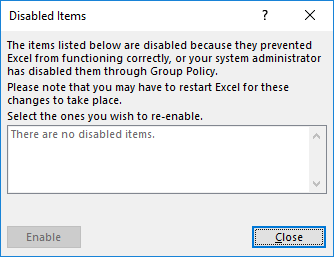
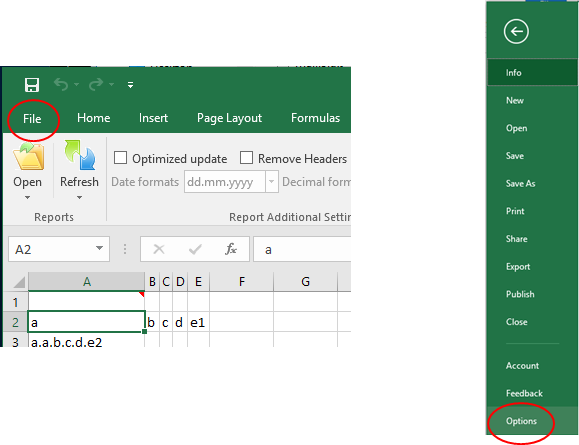
In some cases it might also happen that the TMS Excel Toolbar is disabled from the Excel. That can be checked from the Excel Options menu. From File select Options.
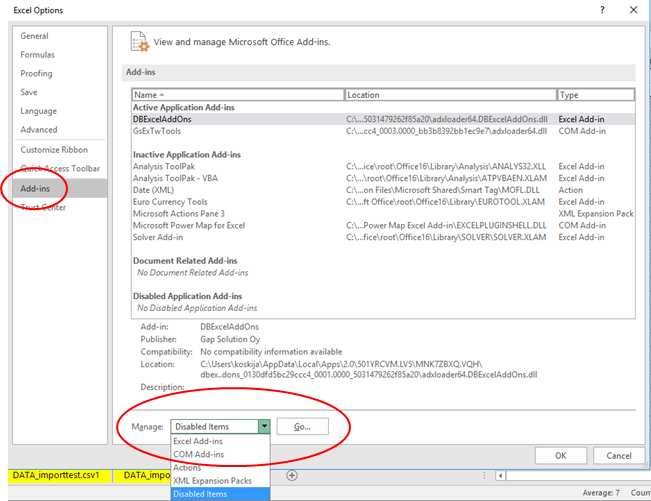
From the Excel Options dialogue that opens select Add-ins and after that From Manage: listbox select Disabled Items and click on Go…
If the TMS Excel Toolbar is visible in the disabled items list, select that and click Enable.



 From the Excel Options dialogue that opens select Add-ins and after that From Manage: listbox select Disabled Items and click on Go…