Select Import Report from the Open Menu to start importing a file. Use only this method to import new data to Excel. New worksheet is created after the import and unique name is given.
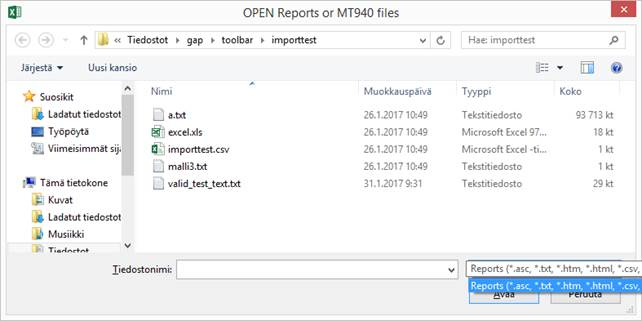
Following dialogue opens:
Open Reports dialogue.
If you don’t see you’re file to be imported in the file list, type: * (asterisk) to the filename field and press <Enter>.